 University of North Texas

- Current Students
- Discover CLASS
- Scholarships
- Back
- Scholarships
-
- Apply for Scholarships Online
- Dean's List Scholarship
- Dean's Graduate Scholarship
- The UNT Endowed Fund for College of Liberal Arts & Social Sciences Scholarship
- Charles T. & Mildred L. Newell Memorial Scholarship
- The Fenton Wayne Robnett Endowed Scholarship in Social Sciences Teaching Certification
- The Voertman-Ardoin Memorial Scholarship
- The Voertman-Ardoin Scholarships in Liberal Arts
- The A. M. Willis Endowed Scholarship
- The Eagles with Mettle Scholarship
- Other Types of Financial Support
- People
- Resources
- About Us
- CLASS Events
- Give
Take Flight FAQs
Frequently Asked Questions
Quick answers to the questions we hear most from first-year students and their families. If you don't see your question, email TakeFlight@unt.edu or schedule an appointment in Navigate.
Registration and Holds
Most registration problems trace back to a hold, a missing prerequisite, or a course restriction. Start here.
When do I need to register? (Priority Dates and Deadlines)
Knowing your deadlines is the best way to avoid registration problems. Key dates including registration windows, payment due dates, and financial aid deadlines are listed on the Priority Dates and Deadlines page. Review it early each semester so you register on time, secure the classes you need, and keep your financial aid on track.
I have a hold. Why can't I register?
A hold is something attached to your student record that blocks registration until it is resolved. To see what kind of hold you have, log in to my.unt.edu and check your To-Do List and Holds section on the Student Center. The hold itself will tell you who placed it and how to clear it. For step-by-step help see How do I resolve holds on my student account? on Scrappy Says.
The most common holds for first-year students are:
- Advising Hold: clears after you meet with your academic advisor. Schedule through CLASS Advising.
- UNT Registration Guide: each semester you must complete the Registration Guide under the Task tile in myUNT. Several items live here including the Student Financial Obligation and the Registration Enrollment Address. Finishing the guide clears these automatically.
- Transcript Hold: clears once UNT receives your final official high school or transfer transcript with posted grades.
- Balance Hold: a past due balance blocks registration until it is paid in full or covered by pending aid. Pay or set up a payment plan through your Student Center at my.unt.edu, or contact the UNT One Stop.
- TSI Hold: clears once you show college readiness in math and English or submit proof of exemption. See the TSI question below.
- Meningitis Vaccination: new and returning students must submit proof of the bacterial meningitis vaccine by the posted deadline. See the Registrar's meningitis requirement page.
Each hold lists the office that placed it and how to clear it. Once a hold is cleared on the office's end it usually drops off your record within one business day. If your hold has been cleared but is still showing, contact the office that placed it. When you are unsure, your Take Flight Counselor can help you figure out the next step.
I have a transcript hold, but I already sent in my transcript.
A few things to check before assuming it's a processing delay:
Did you send a FINAL transcript? UNT requires your FINAL high school transcript with your graduation date posted, not a transcript from the middle of senior year. If you sent yours before you graduated, you'll need to request a new one from your high school.
Did you send it from the right place? Transcripts must come directly from your high school or previous institution to UNT. Hand-carried copies, photos, or screenshots aren't accepted.
Dual credit transcripts? If you took dual credit courses, the college that offered them (not your high school) must send a separate official transcript directly to UNT for that credit to apply.
Who to contact: UNT Admissions handles transcript receipt. For where and how to send official documents see Submit Official Documents, or email transcripts@unt.edu for status. Please allow several business days for processing during peak periods.
Why can't I enroll in this course?
When MyUNT blocks your registration, it gives you a specific error message. The fix depends on the error:
Time Conflict: Two of your selected courses meet at overlapping times. Drop one or pick a different section.
Restricted Course / Department Consent Required: Some courses are reserved for students in a particular major, classification, or program. Email the department offering the course with your student ID and the section number to request permission.
Prerequisite Not Met: The course requires you to have completed (or be currently taking) another course first. Most prerequisites also require a minimum grade, typically a C or better.
- If your prerequisite is from THIS semester: You will not be able to register for the next-level course until your final grade is officially posted at the end of the term. Check the UNT Academic Calendar for grade posting dates.
- If your prerequisite is from outside UNT: Make sure your AP scores, dual credit, or transfer credit have been received and posted to your degree audit. If the credit isn't showing, contact UNT Admissions.
TSI: How do I enroll in mandatory classes?
If you haven't met TSI (Texas Success Initiative) standards in reading, writing, or math, Texas law requires you to enroll in TSI-mandatory courses every semester until you complete the requirement.
- Check your UNT email. You'll receive a message from your advisor or the TSI office identifying which course or courses you're required to take.
- Register for those TSI-mandatory courses FIRST, before adding anything else to your schedule.
- If you're unsure which courses count, email takeflight@unt.edu with your student ID.
TIP: If you don't enroll in your required TSI courses, your schedule may be adjusted by the university and you could lose seats in courses you've already registered for.
When You're Worried About a Class
If something is going wrong with a class, the worst thing you can do is wait. The earlier you talk to someone, the more options you have.
I'm sick and I missed class. What should I do?
What you do depends on how serious the illness is. Two scenarios:
Short-term illness (cold, flu, COVID, strep)
For routine short-term illness and doctor appointments, work directly with your professor. This is handled between you and your instructor, not the Dean of Students. Email your professor as soon as you can, ideally before the next class meeting, to let them know you were sick and ask about anything you missed.
What to include in the email:
- Your full name, course name, and section number
- The dates you missed
- A brief note that you were ill (no medical details required)
- A specific question: what you missed, whether you can make up an assignment, or how to catch up
If you need to be seen for an illness, the Student Health and Wellness Center offers in-person and telehealth visits.
Significant illness, hospitalization, or an extended emergency
For a major illness, hospitalization, or other extenuating circumstance, the Dean of Students Office can review documentation and notify your professors on your behalf. Submit the "Refer to SOS Program" form and attach your documentation at report.unt.edu. A coordinator will follow up with you.
How to reach the Dean of Students:
- Office: University Union, Suite 409
- Phone: 940-565-2648
- Email: deanofstudents@unt.edu
Verification of an absence does not automatically excuse it or guarantee make-up work. That decision rests with each professor, but the documentation gives them a verified record to consider.
TIP: If illness might keep you out long enough to fail a class or fall far behind, make an appointment with your Take Flight Counselor too. We can help you weigh options like incompletes, drops, or a medical withdrawal, and connect you with the right offices.
I may be failing a class. What should I do?
First, don't panic, and don't disappear from the class. Failing one class doesn't end your college career, but ignoring it makes everything harder.
Try these steps in order:
- Talk to your professor during office hours. They want you to succeed and can tell you exactly what your current grade is and what's still possible.
- Use UNT's free academic support: the Academic Success Center for tutoring and academic coaching, and the Writing Center for paper feedback.
- Make an appointment with your Take Flight Counselor. We can talk through whether to stay, drop, or take an incomplete, and what each option means for your GPA, financial aid, and degree progress.
- Check Pass/No Pass options if applicable for the course.
Decisions about dropping a class need to happen before the official drop deadline. See the UNT Academic Calendar for the date.
What happens if I drop a class and go below full-time?
Full-time enrollment is 12 credit hours for undergraduates. Dropping below 12 hours can affect more than just your transcript:
Before you act, know that dropping and withdrawing are not the same, and the timing determines whether the course is removed, shows a "W," or affects your refund. For a full breakdown of what each option means and how it impacts you, see the Registrar's Course Drop/Withdraw Actions and Impacts page.
Financial Aid and Scholarships: Most aid packages, including federal grants, scholarships, and student loans, require full-time enrollment to receive the full amount. Dropping below 12 hours can reduce or cancel your aid and may require you to repay funds you've already received. Check with Student Financial Aid and Scholarships before you drop.
Housing: On-campus housing typically requires full-time enrollment. Dropping below 12 hours could put your housing contract at risk.
Health Insurance: If you're on a parent's plan or a UNT-sponsored plan, full-time status may be a requirement to stay covered. See Billing and Insurance.
Student-Athlete, International Students, Veterans Benefits: Each has its own enrollment rules. If any of these apply to you, talk to the relevant office before dropping. See International Student and Scholar Services or Veterans Benefits.
TIP: Always meet with your Take Flight Counselor before dropping a class. We can help you map out the consequences and connect you with the right offices.
What is a syllabus, and how do I know what to do in a class?
A syllabus is the official plan for a course. Your professor provides it at the start of the semester, usually posts it in Canvas, and goes over it on the first day of class. Think of it as the roadmap and the rulebook for the class all in one. When you're not sure what to do, the syllabus is almost always the first place to look.
What's in a syllabus:
- The professor's contact information and office hours
- Required textbooks and materials
- How your grade is calculated
- Assignment and exam due dates
- Attendance, late-work, and make-up policies
- A week-by-week schedule of topics and readings
How to use it: Read the whole syllabus in the first week and keep it handy. Before you email your professor about a deadline, a grade, or a policy, check the syllabus first, since most answers are already there. If something is still unclear after reading it, ask your professor early.
To find the syllabus for a specific course, see the next question.
How do I find a course syllabus?
UNT posts a syllabus and CV for every course online through the Faculty Information System (FIS), as required by Texas state law. You can look these up before or during registration to see what a class covers, what materials it uses, and how it's graded before you enroll.
How to look one up: Go to facultyinfo.unt.edu and search by any of these:
- Professor: last name (for example, Smith)
- Course: subject prefix (for example, ENGL)
- Course Number: the catalog number (for example, 1310)
- Semester: the term you're interested in (for example, Fall 2026)
A note on timing: Faculty are required to post each syllabus by the 7th class day of the semester, so a brand-new course's syllabus may not appear until just before or after classes begin.
Can't find one? Email facultyinfo@unt.edu for help locating a specific syllabus.
Academic Standing
Academic alert and probation are warning systems, not punishments. They're designed to get you support early.
What if I go on academic alert or probation?
Academic Alert: This happens when your semester GPA falls below the standard for good standing, but your overall GPA is still acceptable. It's a heads-up: you're not in trouble yet, but the next semester matters. For the exact GPA standards, see the CLASS GPA Calculations and Academic Standards page.
Academic Probation: This happens when your cumulative GPA falls below 2.0. You remain enrolled but are required to meet specific conditions, usually including mandatory advising, to stay enrolled the following semester.
What to do:
- Don't ignore the email. UNT will notify you through your student email. Read it carefully for specific requirements.
- Make an appointment with your Take Flight Counselor as soon as possible. We'll review what happened, build a recovery plan, and connect you with academic support resources.
- Take advantage of free tutoring, the Academic Success Center (The Learning Center), and Counseling and Testing Services if mental health or stress is a factor.
- Be cautious about course load for the next semester. Going lighter and doing better is almost always the right call.
Many students recover from probation in one semester. The students who don't recover are usually the ones who didn't ask for help.
Working With Your Advisors
At UNT you have two kinds of advising support: your Take Flight Counselor, who is your main point of contact in your first year, and faculty advisors in your major. They help with different things, and knowing who to see saves you time.
When should I see my Take Flight Counselor?
See your Take Flight Counselor for:
- Course planning and registration each semester
- Understanding degree requirements and your degree audit
- Removing your advising hold
- Adding, dropping, or changing courses
- Switching majors or adding a minor
- Transferring credit (AP, dual credit, study abroad, transfer)
- Academic difficulty, alert, or probation
- TSI requirements
- General questions about university policies and resources
Your Take Flight Counselor is your first stop for almost any first-year question. If we can't help directly, we know exactly where to send you. Schedule in Navigate.
When should I see my faculty advisor?
See a faculty advisor in your department for:
- Career-specific guidance in your major
- Research opportunities and faculty-mentored projects
- Graduate school planning and recommendation letters
- Specialized tracks, concentrations, or honors options within your major
- Internship and field experience guidance specific to your field
Most students start working closely with a faculty advisor in their sophomore or junior year, after they've completed introductory courses in the major. As a first-year student, your Take Flight Counselor is usually the right starting point.
Keys to Success: Your UNT Resource Guide
UNT has a full team of people ready to help you, but they don't know you need them until you reach out. Asking for help is the first step, and you are your own best advocate.
Start here: succeed.unt.edu is UNT's one-stop hub for student success, organized by what you need: Show Up, Find Support, Get Advised, Be Prepared, Get Involved, Stay Focused, and Get Hired.
Academic help: Academic Success Center (The Learning Center, The Writing Center, and
Math Lab)
The Academic Success Center (The Learning Center) offers free tutoring, supplemental instruction, writing assistance, and study-skills workshops. You can also sign up for academic coaching to get personalized support with time management, goal setting, and study strategies.
- Location: Sage Hall, Room 170
- Web: learningcenter.unt.edu
- Phone: 940-369-7006
- Email: LearningCenter@unt.edu
Accommodations: Office of Disability Access (ODA)
The ODA partners with students who have disabilities to identify and put in place reasonable accommodations, such as notetaking support, testing accommodations, and accessible materials, so you have equal access and the resources to thrive.
- Location: Chestnut Hall, Suite 102 and 115
- Web: studentaffairs.unt.edu/office-disability-access
- Phone: 940-565-4323
Mental health: Counseling and Testing Services (CTS)
Free, confidential mental health support for enrolled students, including individual counseling, group therapy, drop-in workshops, and crisis support. Make your mental health a priority, and reach out early if you need support.
- Location: Chestnut Hall, Suite 311 and 313 (3rd floor)
- Web: studentaffairs.unt.edu/counseling-and-testing-services
- Phone: 940-565-2741
CTS also offers always-available, no-cost online tools: Togetherall (a safe, anonymous 24/7 peer community) and TAO (interactive self-help modules).
Health and wellness: Student Health and Wellness Center
The Student Health and Wellness Center is UNT's on-campus doctors' office. It treats injuries, illnesses, and a wide range of medical concerns, with on-site lab testing and X-ray services. You can book an in-person or telehealth visit, and the center also runs health education programs.
- Location: Chestnut Hall, 2nd floor
- Web: studentaffairs.unt.edu/student-health-and-wellness-center
- Phone: 940-565-2333
- Email: askSHWC@unt.edu
Personal finance: Money management and financial coaching
Learning to manage your money is one of the most useful skills you build in college. The Student Money Management Center helps you understand your finances and plan ahead at no cost.
- Financial Coaching: meet with a coach to review your situation and explore your options and resources.
- Emergency Loan: look into a short-term loan when an unexpected expense comes up.
- Financial Education: sign up for an upcoming program or event.
Learn more at Student Money Management.
Make connections: Your professors and classmates
- Build relationships with your professors by attending office hours, asking questions, and joining class discussions.
- Join study groups and connect with classmates to strengthen your learning and build your academic network. You can find study and tutoring options through Navigate.
Scan and Go: QR Code Quick Links
Point your phone camera at any code below to jump straight to the resource. Each code also includes a clickable link if you're already on a device.
Schedule an Advising Appointment (UNT Navigate)
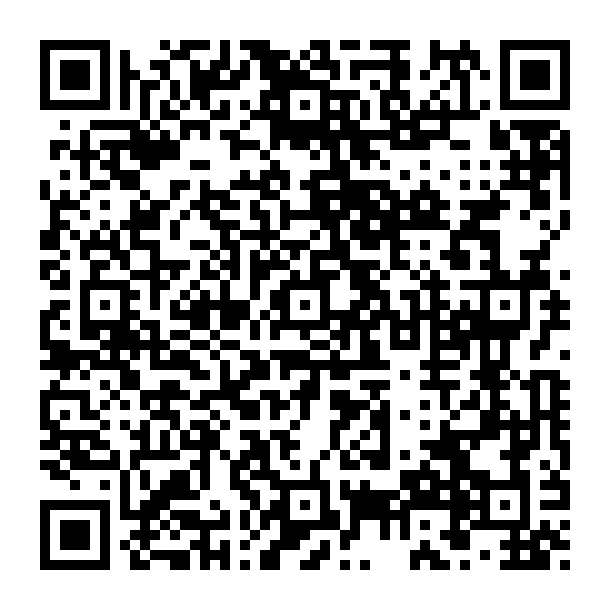
Scan to open Navigate and schedule an appointment with your Take Flight Counselor.
UNT Registration Guide (myUNT Enrollment Guide)
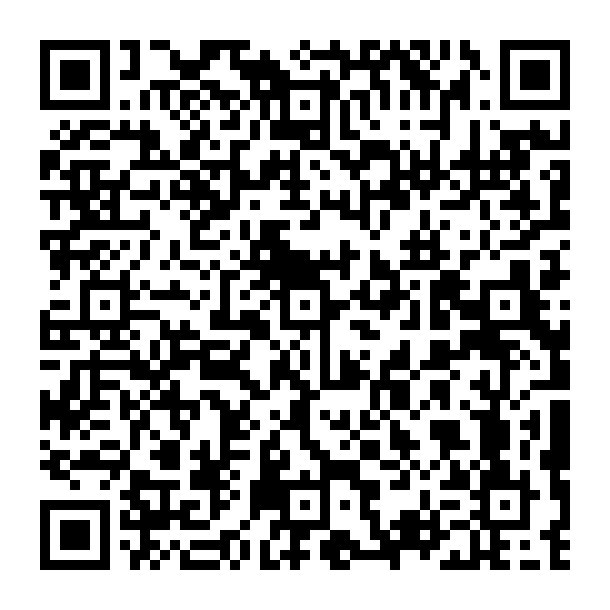
Scan to open the myUNT Enrollment Guide, a step-by-step walkthrough for adding, dropping, and swapping classes in myUNT.
Run Your Degree Audit
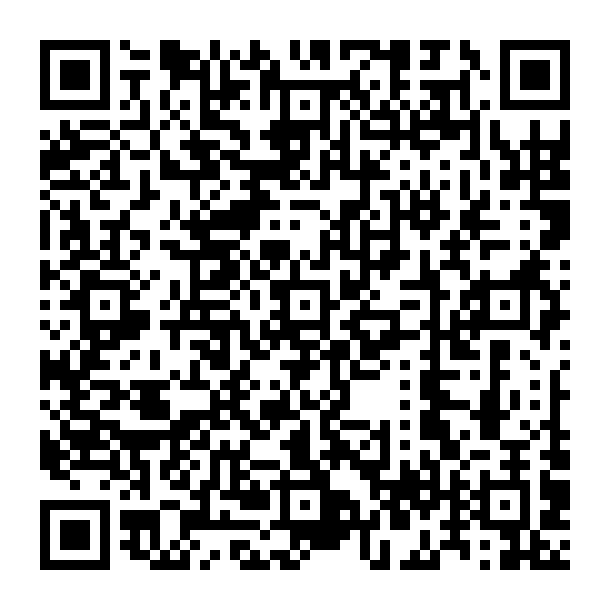
Scan to open mydegreeaudit.unt.edu and run your online degree audit. Log in with your EUID and password.
Take Flight FAQ Page
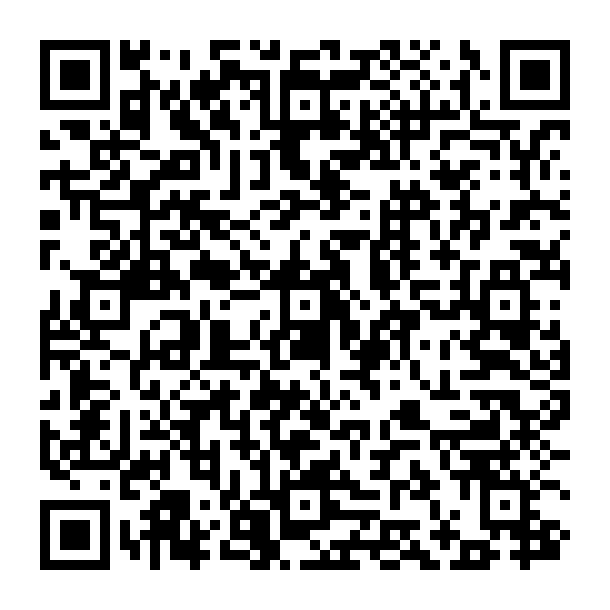
Scan to come back to this FAQ page any time, or share it with a classmate.
Succeed at UNT (Student Success Hub)
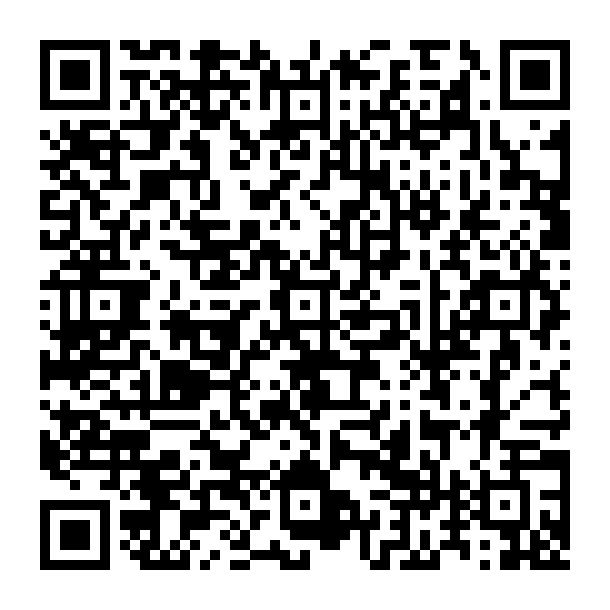
Scan to open UNT's student success hub, your one-stop guide to campus resources: Show Up, Find Support, Get Advised, Be Prepared, Get Involved, Stay Focused, and Get Hired.
Get Involved in Your Major (Department Events)

Scan to see department events in Canvas and find ways to connect with your major. Requires your UNT Canvas login.
Pre-Law Interest Group (Canvas)

Interested in law school? Scan to join the Pre-Law Canvas group for advising resources and events. Requires your UNT Canvas login.
Pre-Med and Health Professions
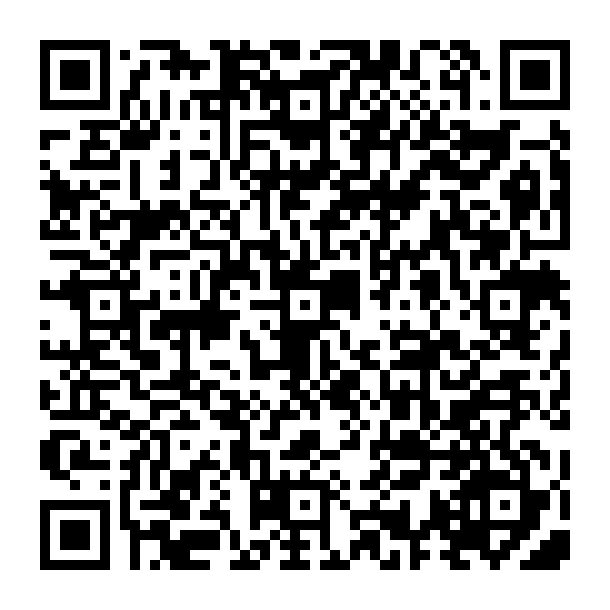
Planning on medicine or another health profession? Scan to open the UNT premedical information sheet from Health Professions Advising.
Still Have Questions?
We're here to help.
- Email: TakeFlight@unt.edu
- Schedule an appointment: Navigate
- Visit us: Take Flight Advising Suite, GAB 207